About This Project
The Parul University Dashboard is a comprehensive student management system designed to streamline academic operations. It provides students with easy access to their courses, grades, attendance, and other important academic information.
This dashboard features a clean, intuitive interface that makes it easy for students to navigate through various sections. The system includes features for viewing course materials, checking grades, tracking attendance, and communicating with faculty members.
Technologies Used
Key Features
- Modern admin dashboard with university branding and analytics overview
- Responsive sidebar with sections like Dashboard, Students, Courses, and Reports
- Dashboard cards showing total students, active courses, live sessions, and pass rate
- Department overview with categorized student data (static representation)
- Recent activities section for quick updates like live sessions and assessments (UI only)
- Admin profile section with welcome message and editable profile image (front-end only)
- Search bar for students, courses, and reports (UI design only, not functional)
- Fully responsive front-end interface designed for all screen sizes
Screenshots
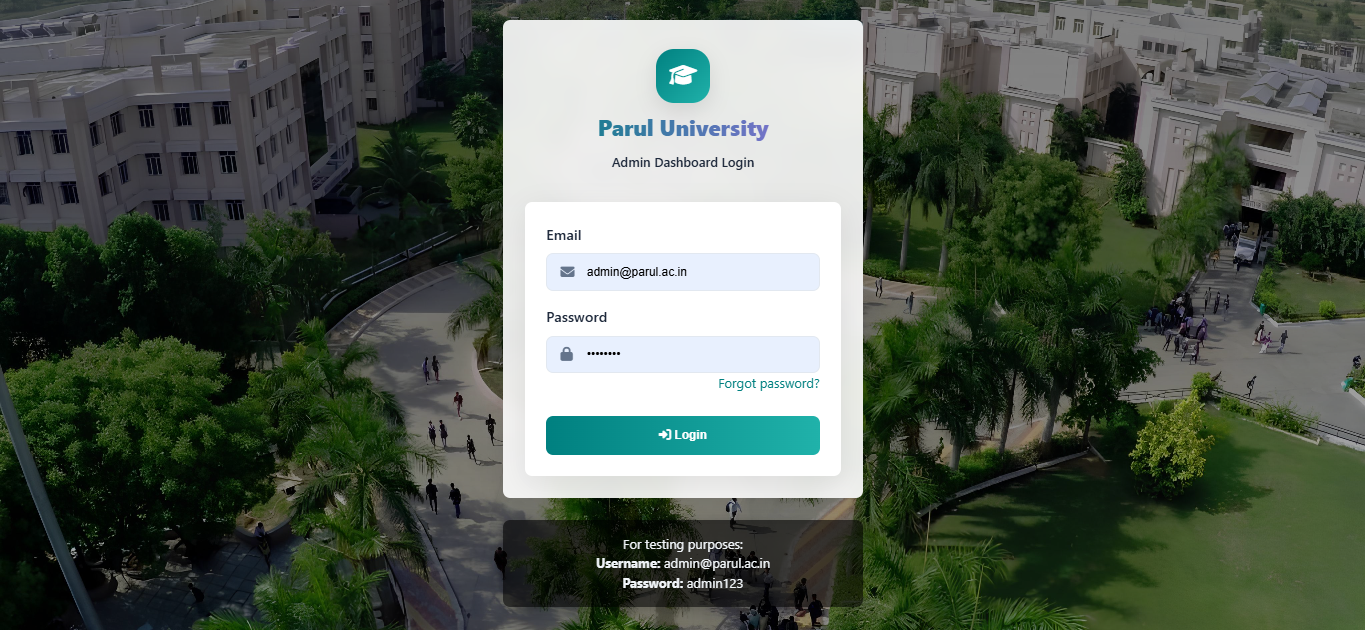
Login Page
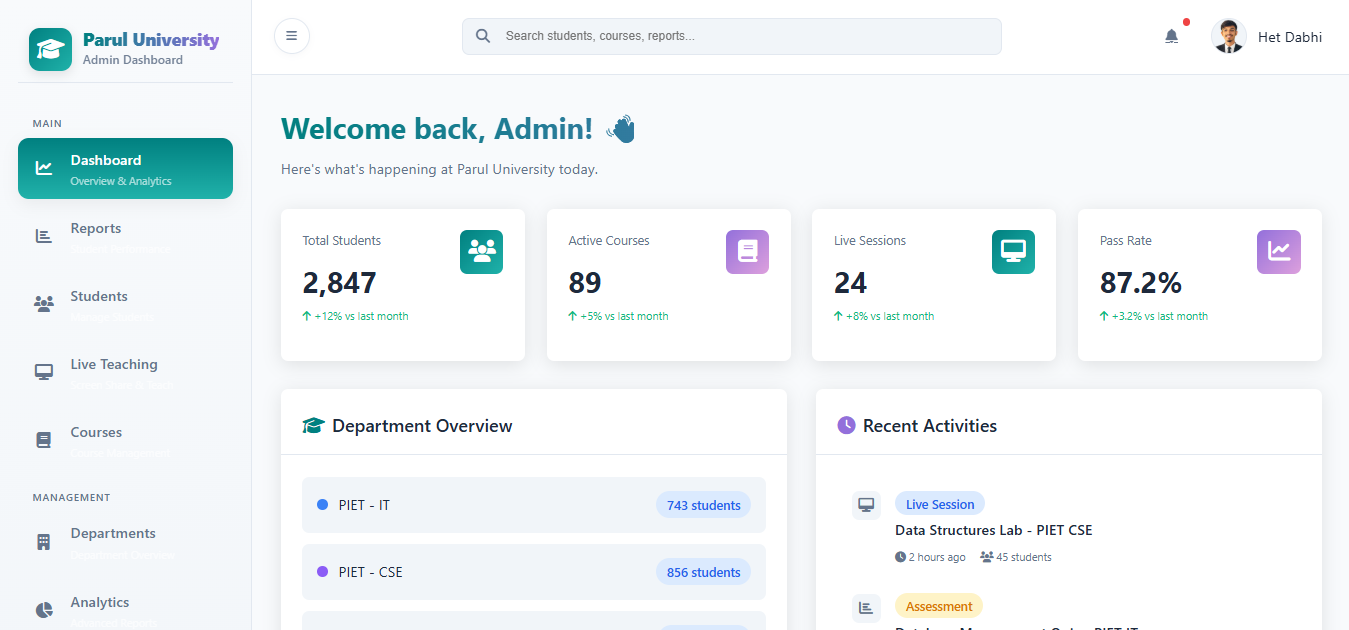
Dashboard
Challenges & Solutions
Challenge 1: Data Visualization
Creating clear and informative charts for grades, attendance, and performance metrics.
Solution: Integrated Chart.js library for interactive and responsive data visualizations.
Challenge 2: Complex Data Management
Managing multiple data types (courses, grades, attendance) with relationships between them.
Solution: Designed a structured data model with proper relationships and implemented efficient data retrieval methods.
What I Learned
- Designing professional admin dashboard layouts
- Structuring complex UI components using HTML, CSS, and JavaScript
- Creating responsive layouts for various screen sizes
- Integrating static data into charts and cards for visualization
- Building sidebar navigation and card-based dashboard designs
- Improving front-end code structure and design consistency
- Enhancing user experience with clean, minimal UI elements